Personal stories
A day you would
like to keep.
Choose a few moments from a trip, celebration, or walk. Look beyond the obvious highlights: a small detail can connect the scenes and give the film its character.
A free editor. A fresh perspective.
Explore OpenShot and turn a few familiar moments into a video with a beginning, a middle, and something to remember.
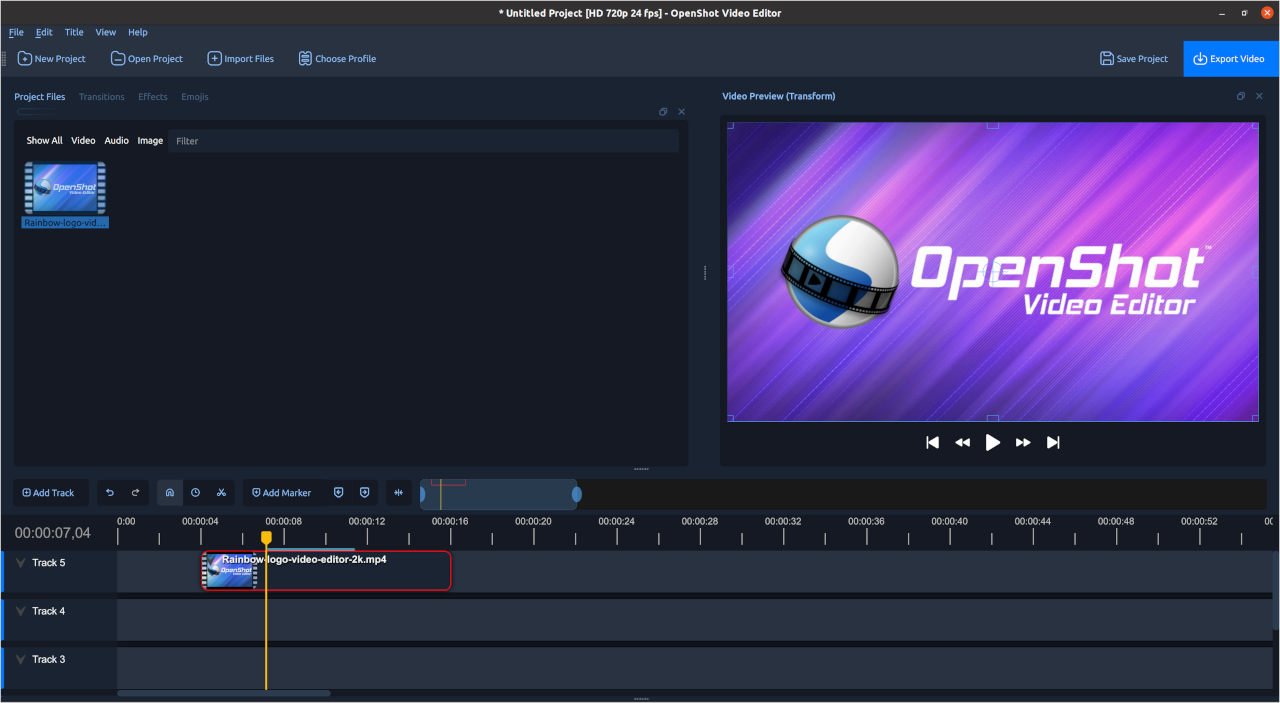
OpenShot is a free, open-source desktop video editor for Windows, macOS, and Linux.
Three places to start
Personal stories
Choose a few moments from a trip, celebration, or walk. Look beyond the obvious highlights: a small detail can connect the scenes and give the film its character.
Useful explanations
Pick a process you can explain in a few steps. Lay out the shots in that order. Add a short title when it answers a question the viewer might have.
Creative studies
Work around a color, sound, place, or time of day. Try a sequence without narration. See what the order and length of the shots can communicate on their own.
A useful habit
Keep a copy before making a big change. Experiment with a different opening, a tighter sequence, or a quieter soundtrack, then compare the two versions.
Notes from the edit
Keep video, images, and audio in one clearly named folder. Avoid moving those files while the project is in progress.
Get the order right before choosing transitions. A clear sequence gives the finishing details something to support.
Shorten anything that is difficult to follow. Leave enough time for the viewer to read without missing the picture.
Export a draft and play it like an audience member. Write down the moments that feel confusing or slow.
Good to know
Free downloads are available from openshot.org. A paid Microsoft Store option also supports development. Check the official download page for the current choices.
OpenShot supports video, images, and audio on its timeline. The official feature guide explains supported editing tools.
Start with importing, arranging, trimming, and exporting a short project. Explore additional tools when you have a specific reason to use them.
No. This is an independent introduction. Use openshot.org for official downloads, documentation, and project information.